


Looking to add a dash of spontaneity to your listening lineup? Say hello to Shuffle! Available now for Plus and Patron users on Android 7.77, iOS 7.77, and web version 4.5.8, our new Shuffle feature lets you randomly play episodes from your Up Next queue.
Why Shuffle?
Shuffle is perfect for rediscovering old favorites, mixing up genres, or simply keeping things fresh. Whether you’re in the mood for a surprise or just can’t decide what’s next, let Shuffle take the reins and make your queue as exciting as ever!
How to Use Shuffle
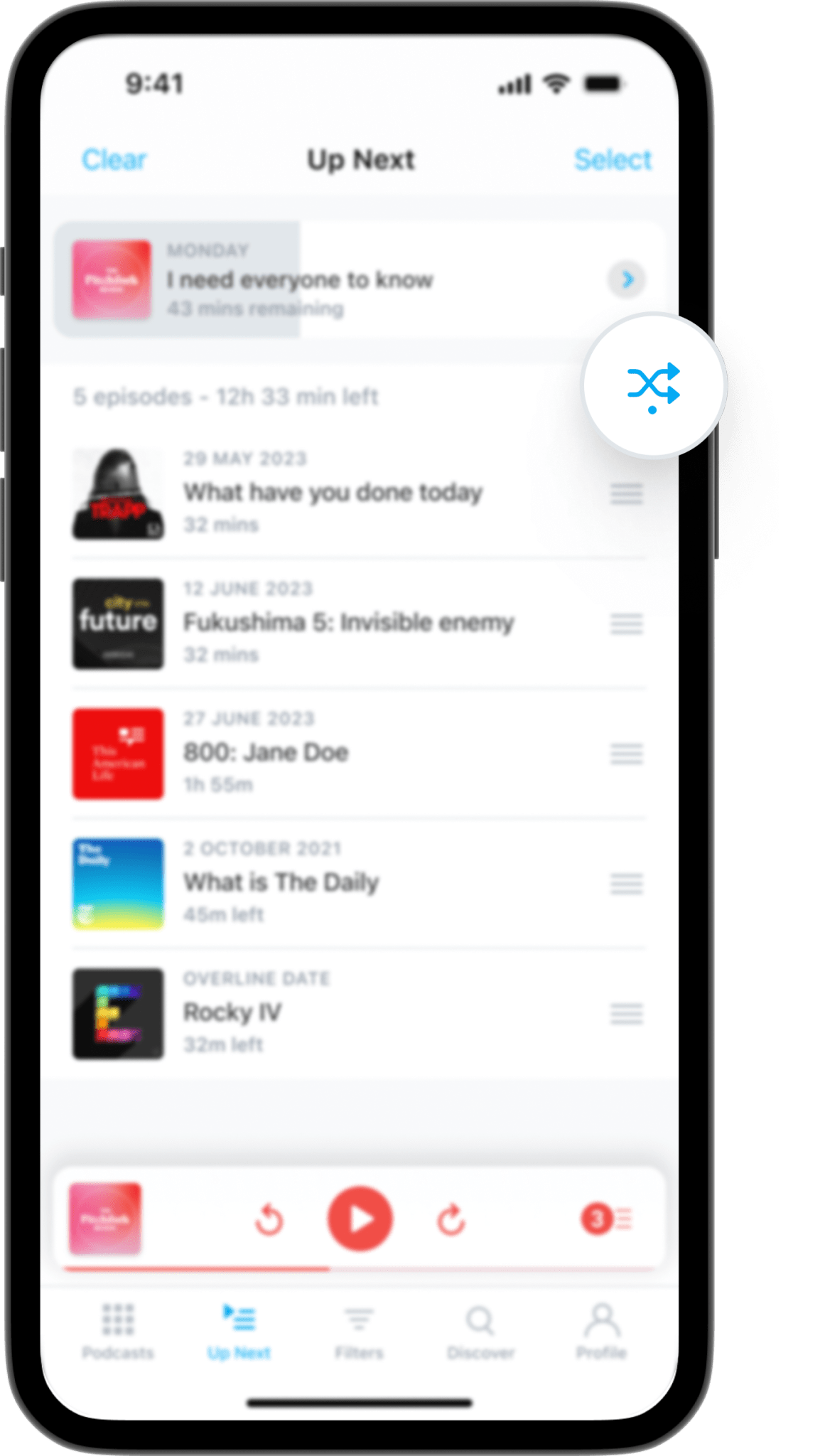
On Android, iOS, and Web:
- Go to your Up Next queue.
- Enable Shuffle by tapping the Shuffle icon at the top right.
- The next episode that plays will be randomly selected.
When Shuffle is enabled, the next episode played will always be picked randomly from your Up Next queue. If you want to go back to the normal playback order, you just have to tap the button again to turn Shuffle off.
Update to the latest version of Pocket Casts and give Shuffle a try today! From revisiting episodes you forgot you had queued to discovering hidden gems in your library, Shuffle will keep your listening experience dynamic and engaging.
Let us know what you think by tagging us on social media. Happy shuffling!



 Pocket Casts Blog